Apple IIc Keyboard Gasket Replacement
When my new Apple IIc joined the collection earlier this year, I found the keyboard almost unusable. The keys felt very stiff, and some could barely be pressed at all. After opening the case, I confirmed what my research online had already suggested: the internal dust gasket underneath the keycaps was suffering from severe warping and buckling. This seems to be a common issue where the gasket deforms so significantly that it obstructs the key switches, making them nearly impossible to actuate—or only with great resistance.
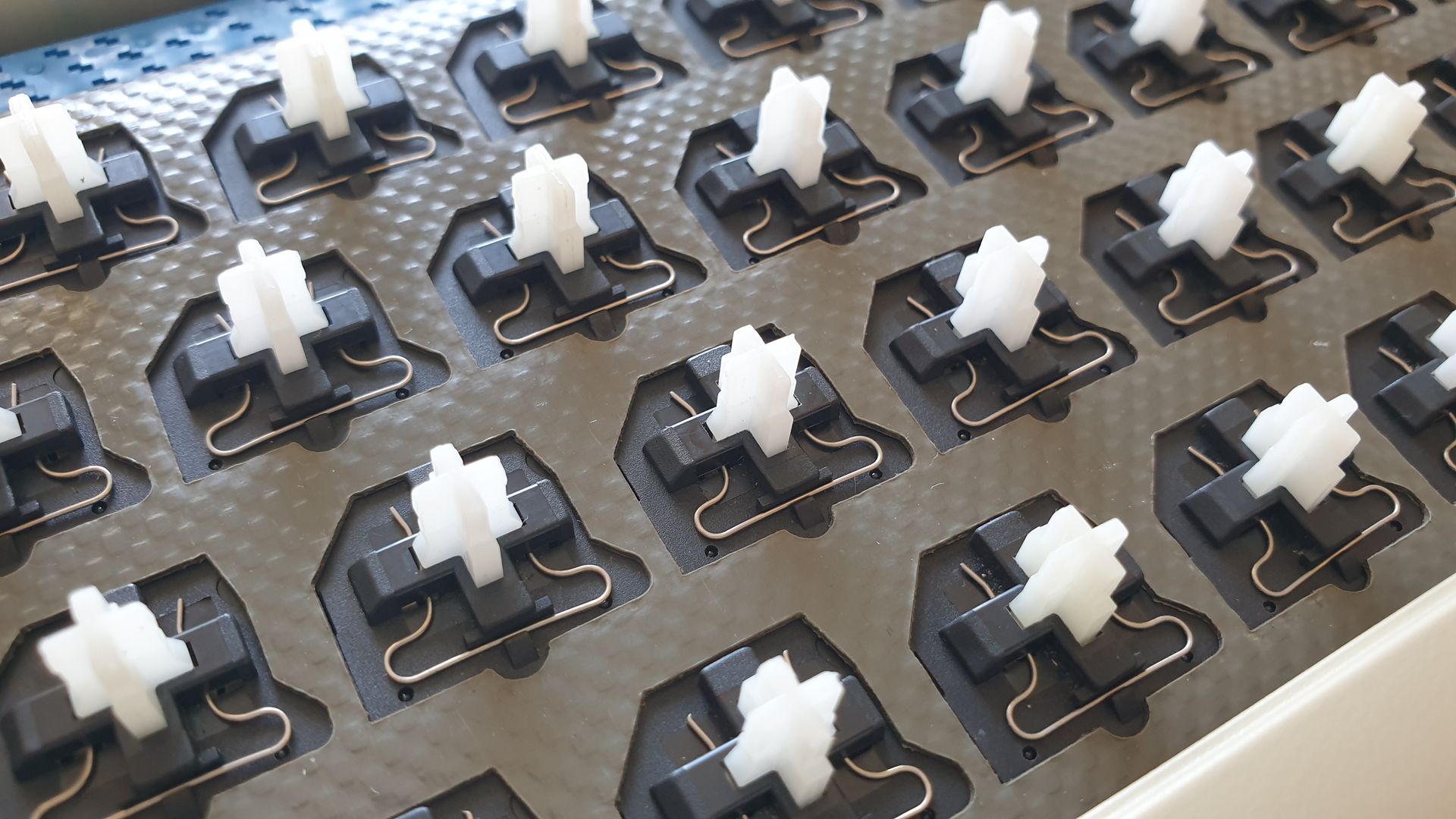
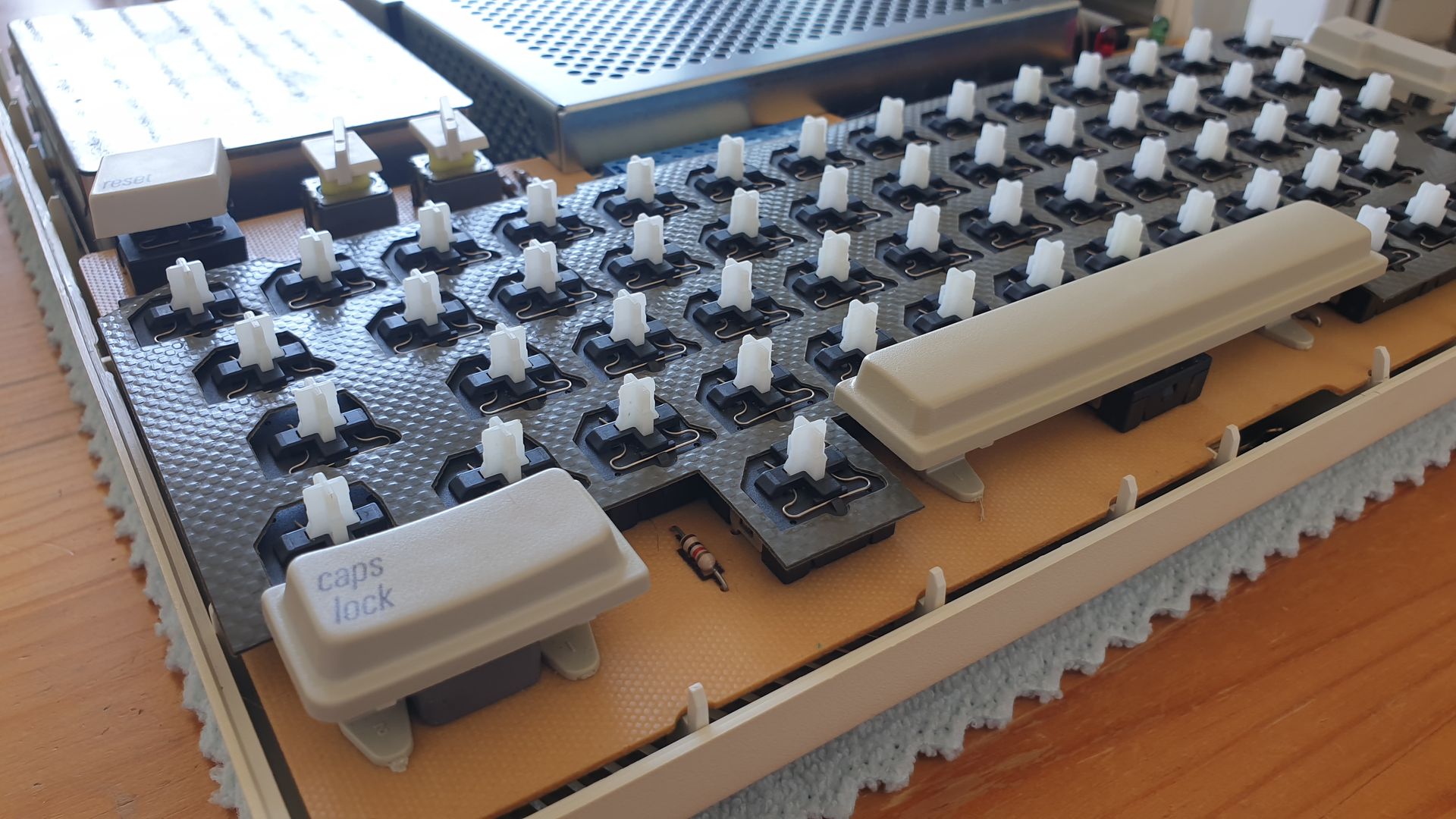
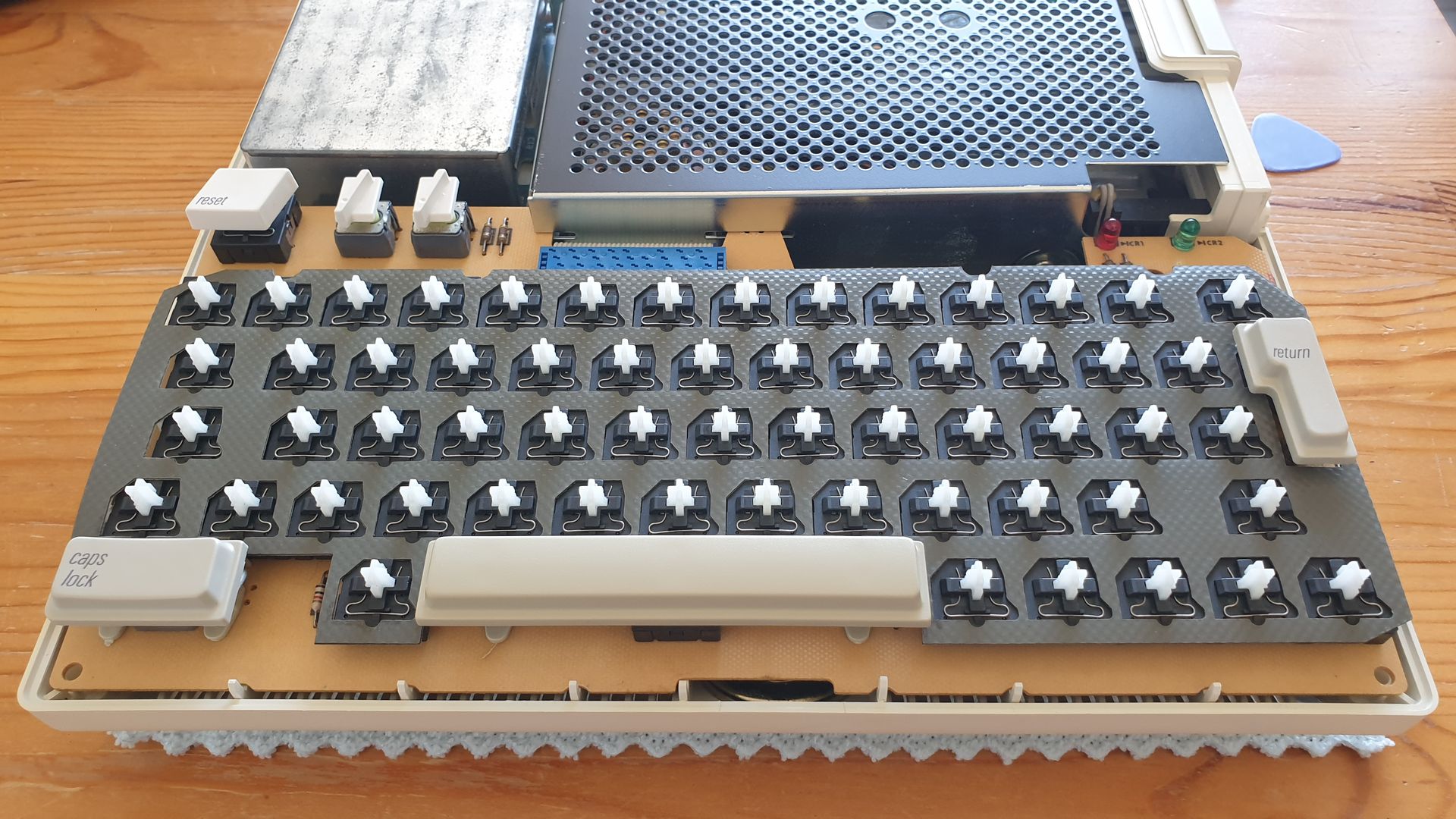
While you could simply remove the gasket and leave it out, you would risk dirt and debris accumulating between the keys over time. Plus, without it, the Apple IIc just wouldn't feel "complete." Since I couldn't find any layout information for the gasket online — and the original was too deformed to be used as a template — I re-measured the entire keyboard layout myself to create a precise DXF file. In the photos, you can clearly see the significant size difference and warping of the original gasket compared to the new replacement.
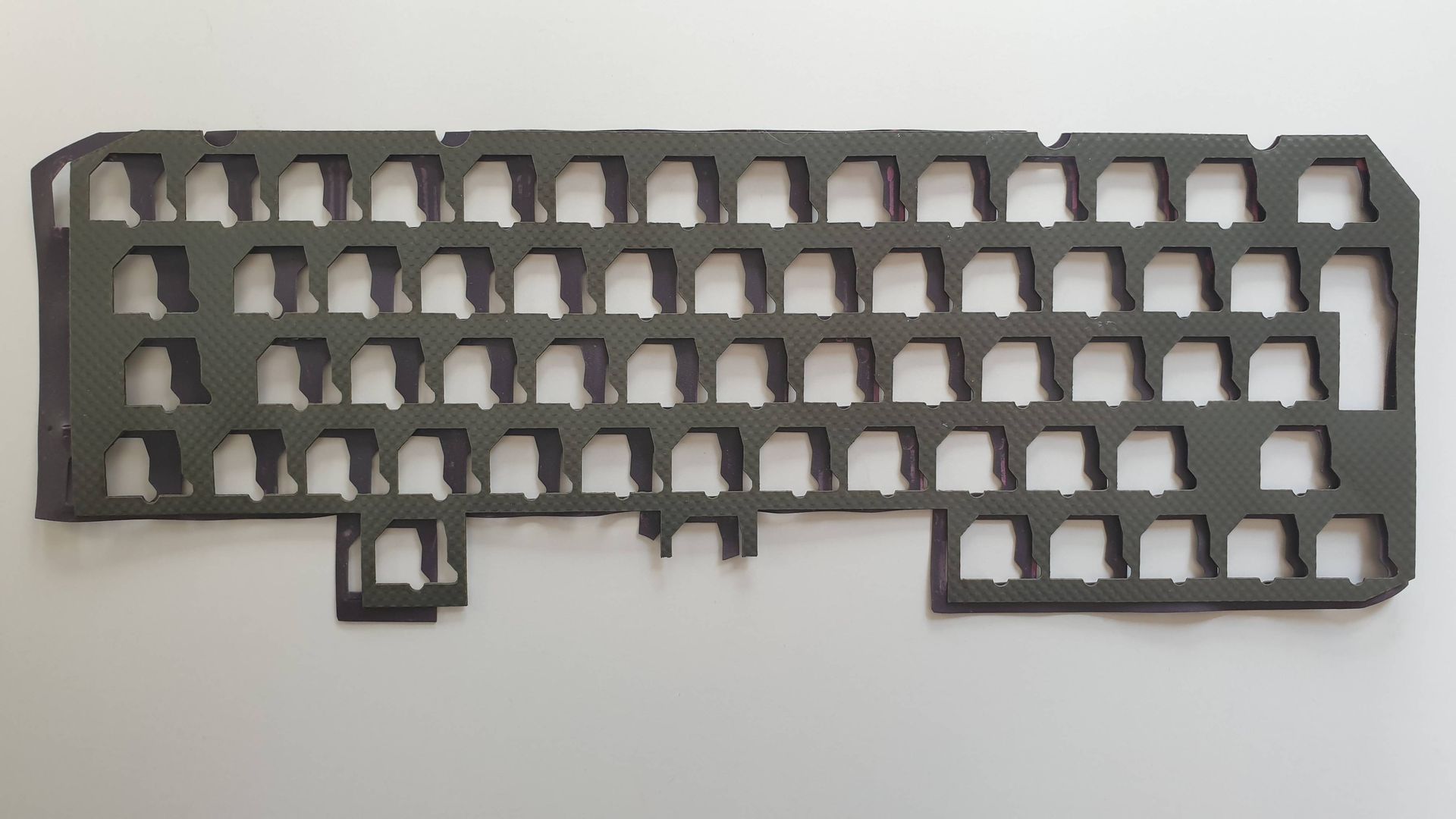
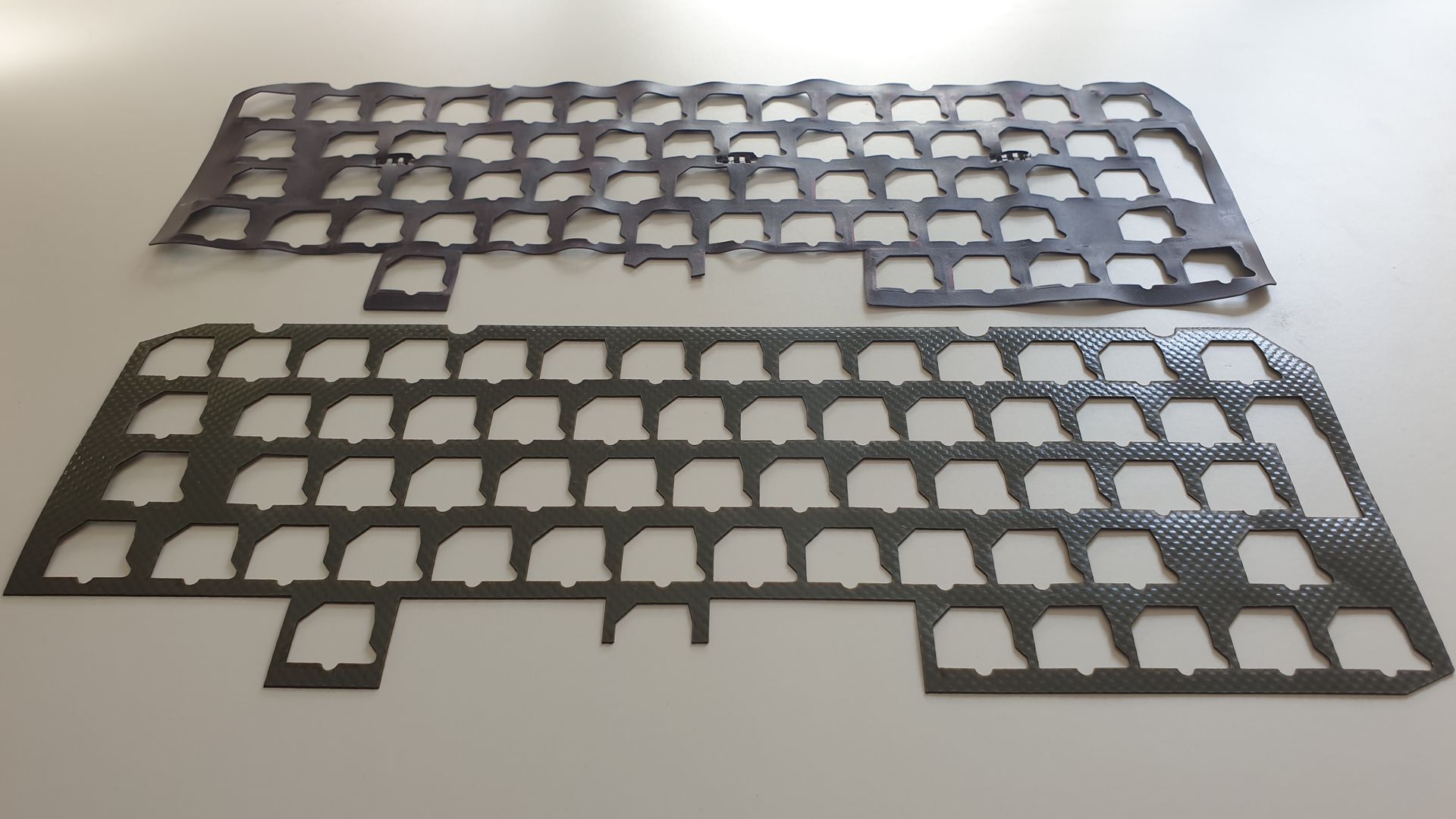
I found that heavy-duty truck tarpaulin was the perfect material to laser-cut a replacement using my DXF file. For anyone interested, I am happy to provide the DXF file here. The ZIP file includes the DXF itself as well as a PDF showing the contours and the outer dimensions: Download Apple IIc Keyboard Gasket DXF & PDF