Welcome at the top!
Generative Art on HP 9000/300 Workstations
"Generative art" refers to the procedural generation of geometric structures described by algorithms, which can change with each execution and take on new, varying forms.
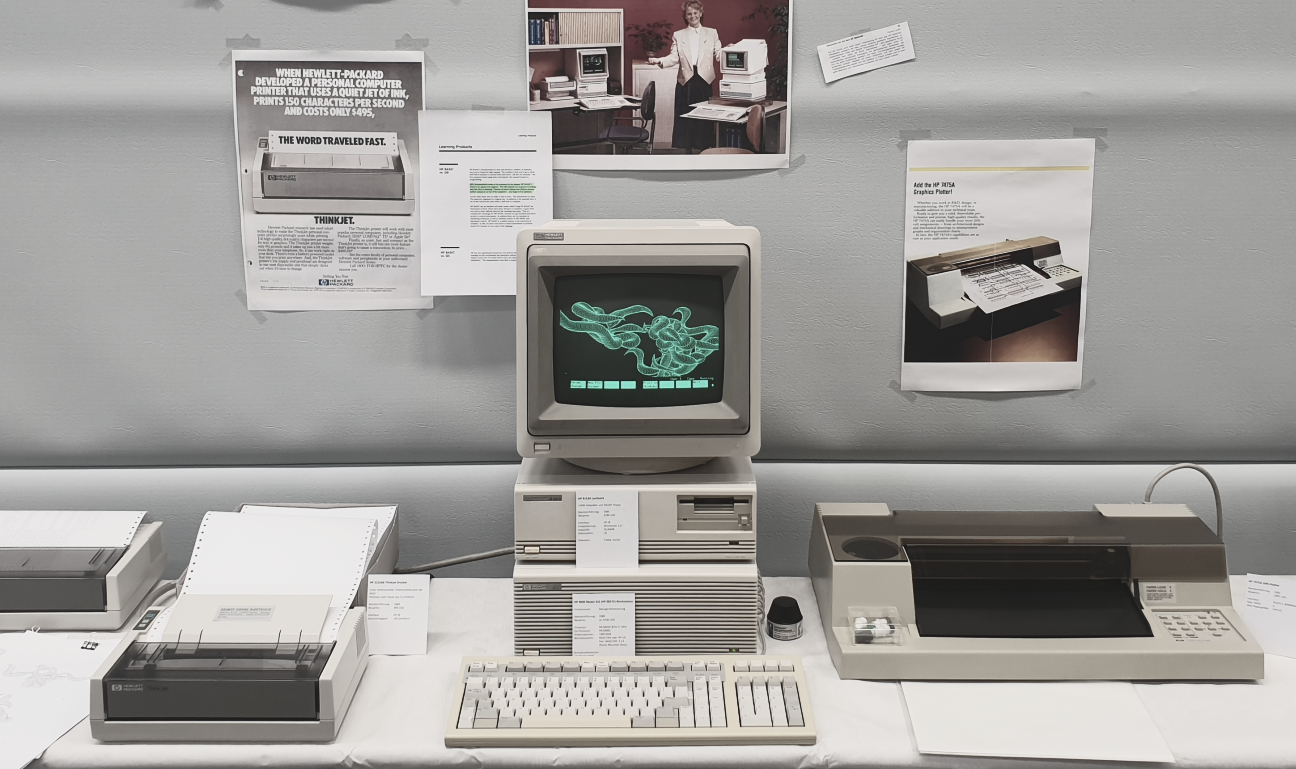
I started this project to give a meaningful task to my trash-picked and freshly restored HP 9000/300 workstation (project 2304A) and, even more, to genuinely control the associated HP7475A Pen-Plotter and the HP2225 ThinkJet printer. To get started, I was luckily able to recover some old HP Basic programs from the harddisk, which helped me to get a first impression about the specifics of the HP Basic dialect, which is heavily focussed on technical programming and measurement control. Supported by old technical manuals and several HP Basic Programming References from bitsavers.org and the HP Computer Museum, I was able to slowly figure out how the system interfaces with external hardware and how to use the language for drawing. The communication with the plotter turned out to be quite cumbersome, as all available documentation assumes the use of the HP-IB interface (aka GPIB or IEEE 488). However, my plotter came with a serial RS-232 interface and requires dedicated configuration strings to be transmitted first, in order to be usable with the Basics' PLOT commands. It took me endless days of research and debugging to figure out the right configuration, before I eventually succeeded.
The artwork and the HP 9000/300 workstation was showcased at my debut-exhibition at the Vintage Computer Festival Europe 2023 (VCFe) in Munich and won the second place in the festivals audience award.
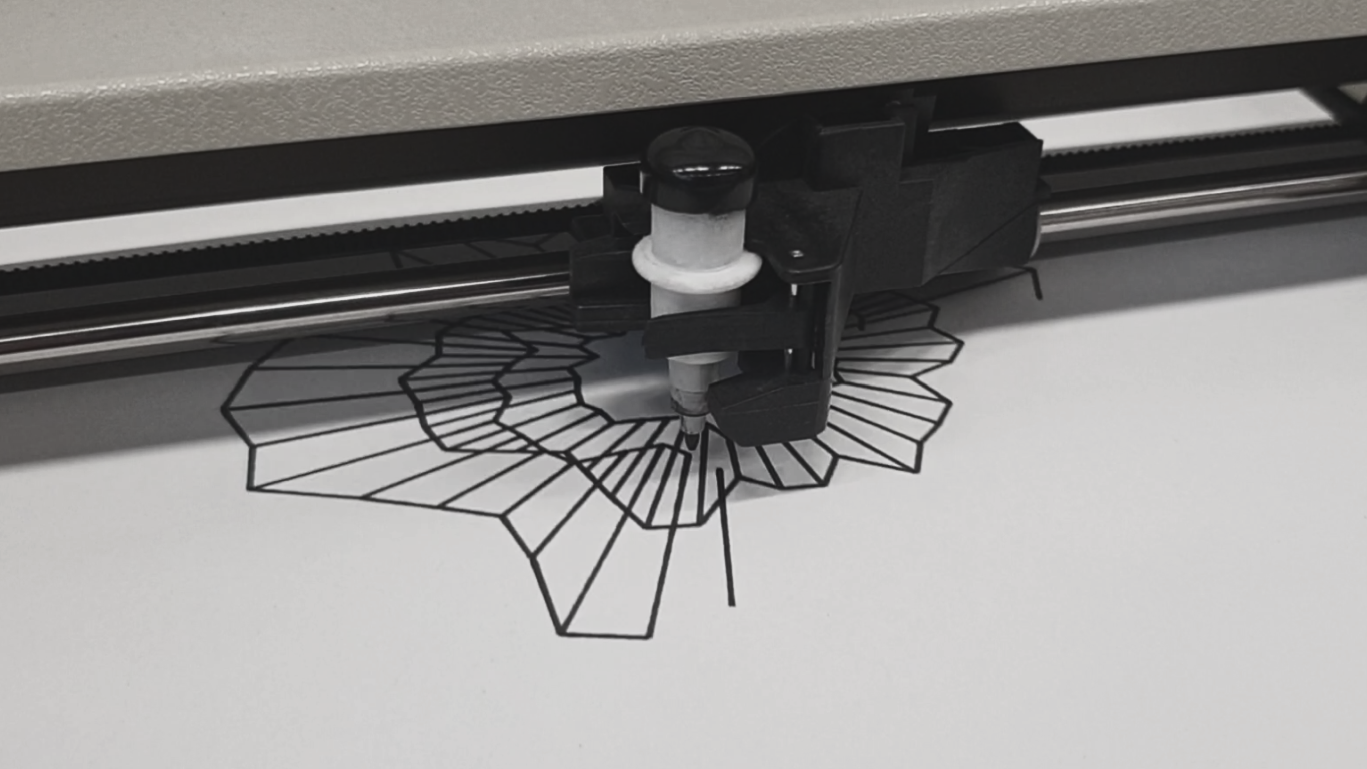
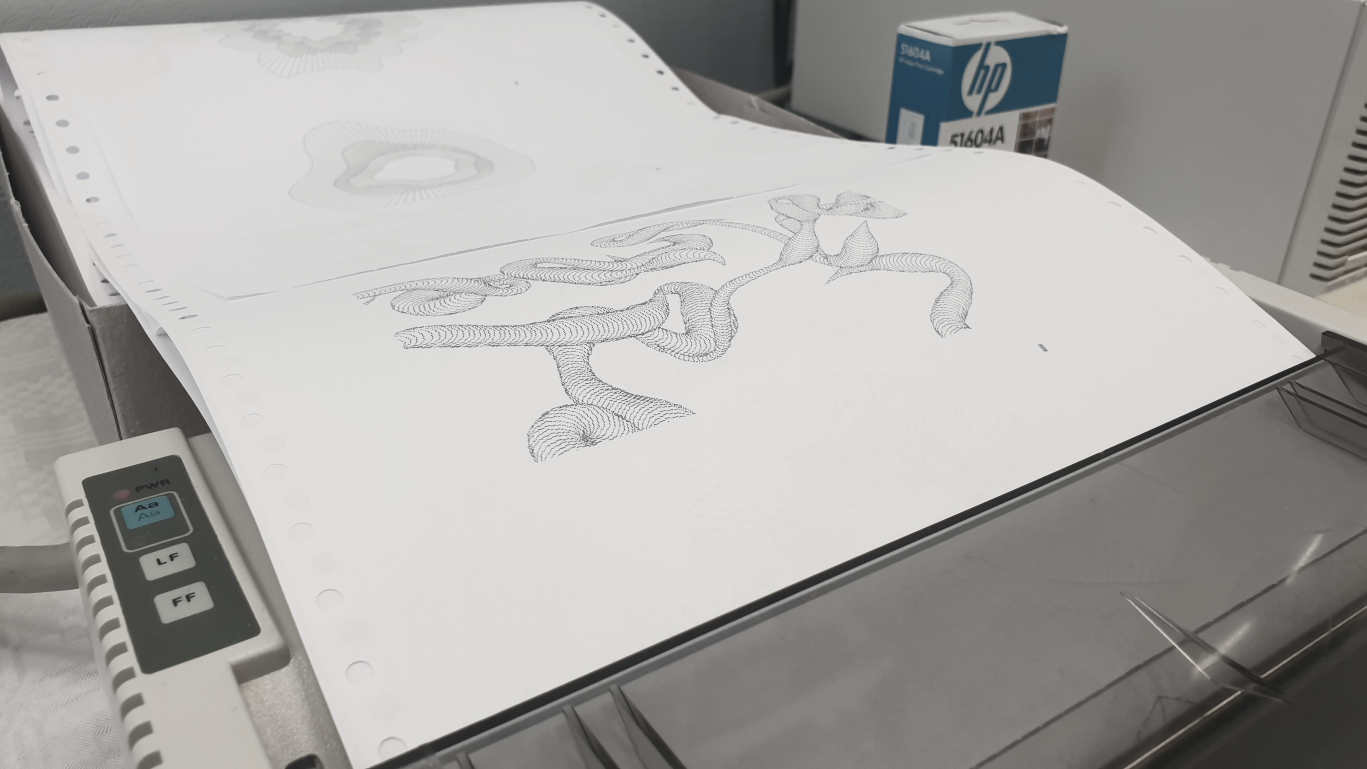
All programs are written in the HP Basic 5.13 language, also known as Rocky Mountain Basic (RMB). For more convenient programming and faster evaluation, the algorithms have been developed using the HTBasic editor first and then transferred to the HP 9000/300 workstation for final editing. HTBasic emulates classic features of legacy Hewlett-Packard workstations in a contemporary Windows user interface.
Most of the artwork makes use of Perlin Noise algorithms to generate the random, yet smooth transitions of orientation and shape.
Sunrays-1
View source code: SUNRAYS1.ASCII
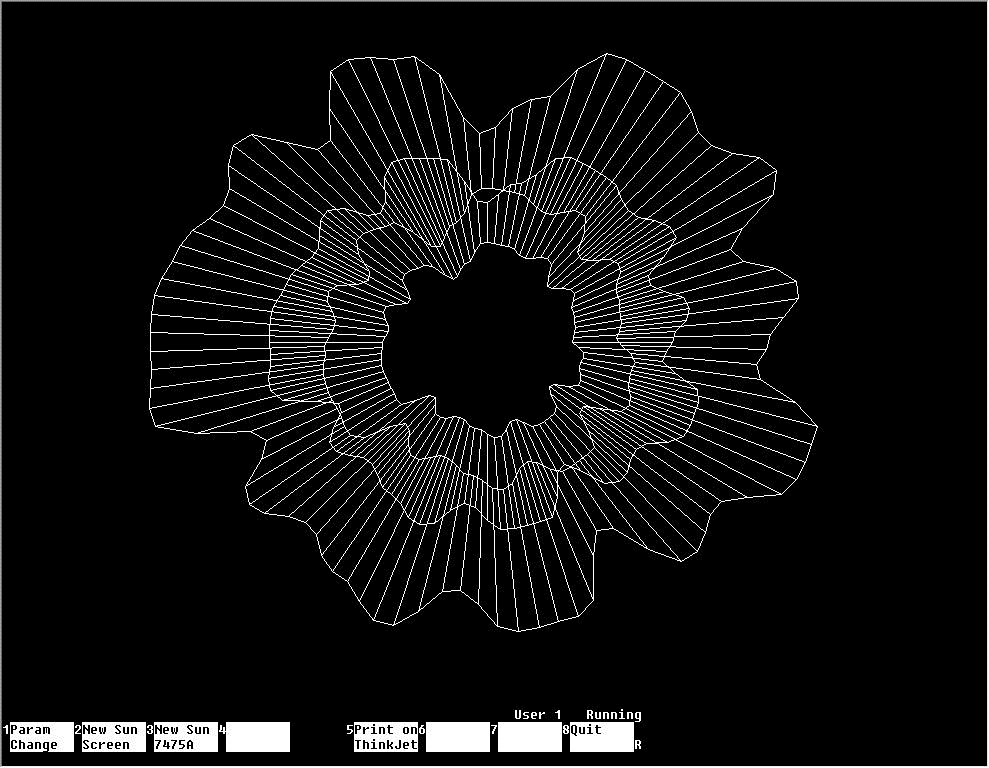
Sunrays-1 Variant 1
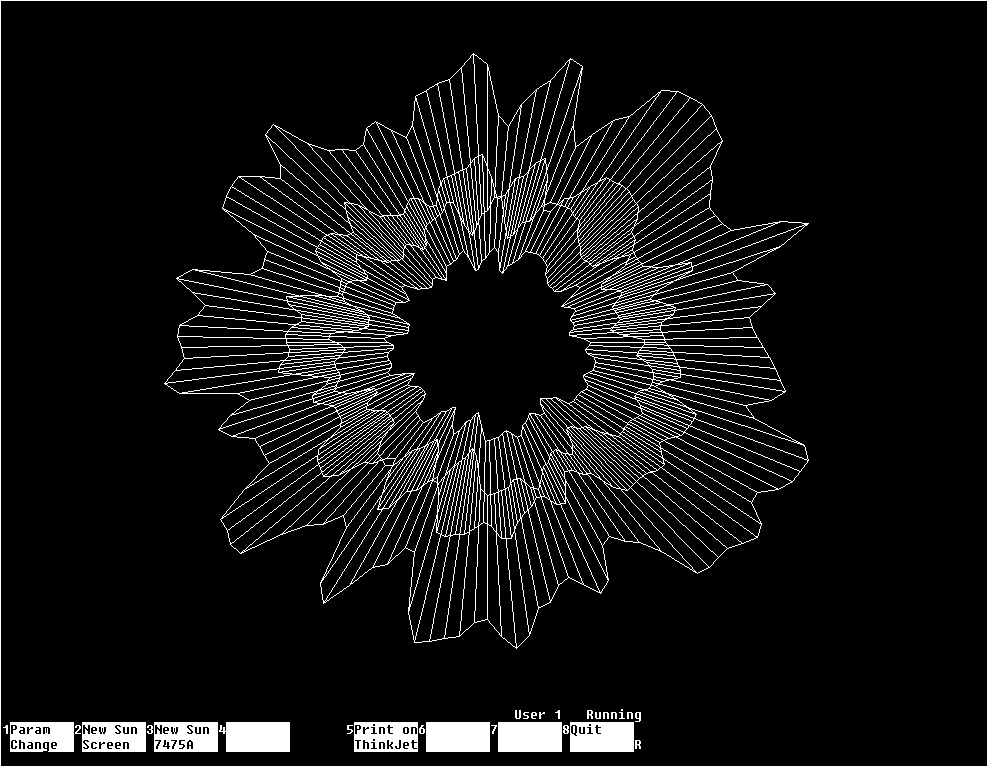
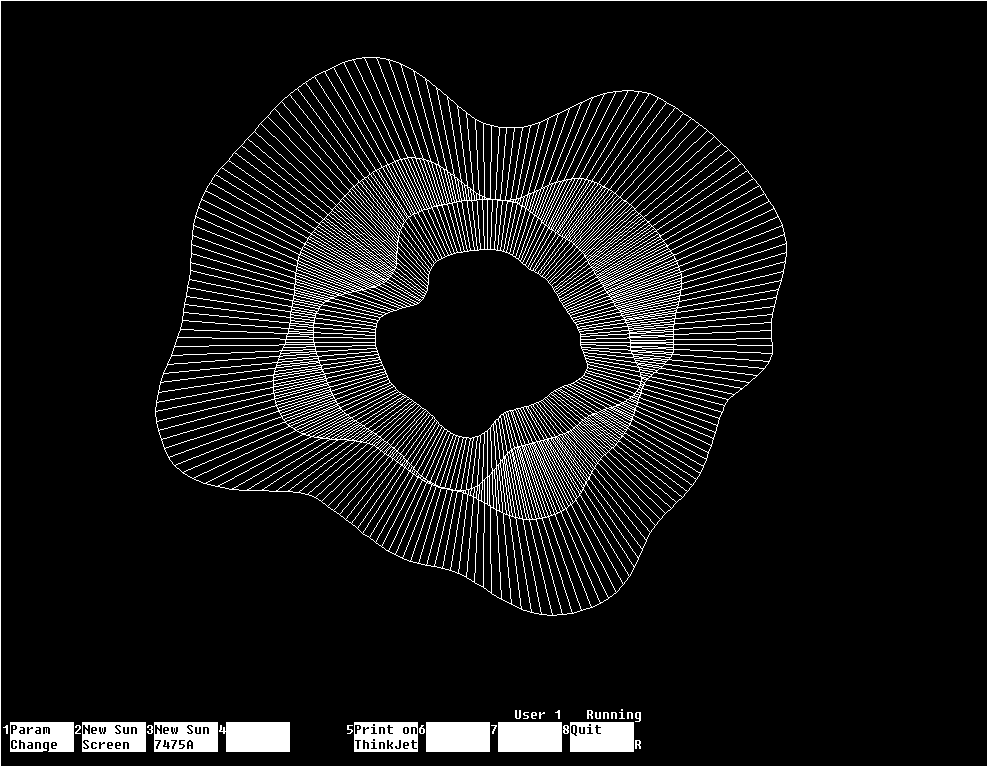
Sunrays-1 Variant 2 (with higher Perlin frequency) and Variant 3 (with lower Perlin frequency)
Sunrays-2
View source code: SUNRAYS2.ASCII
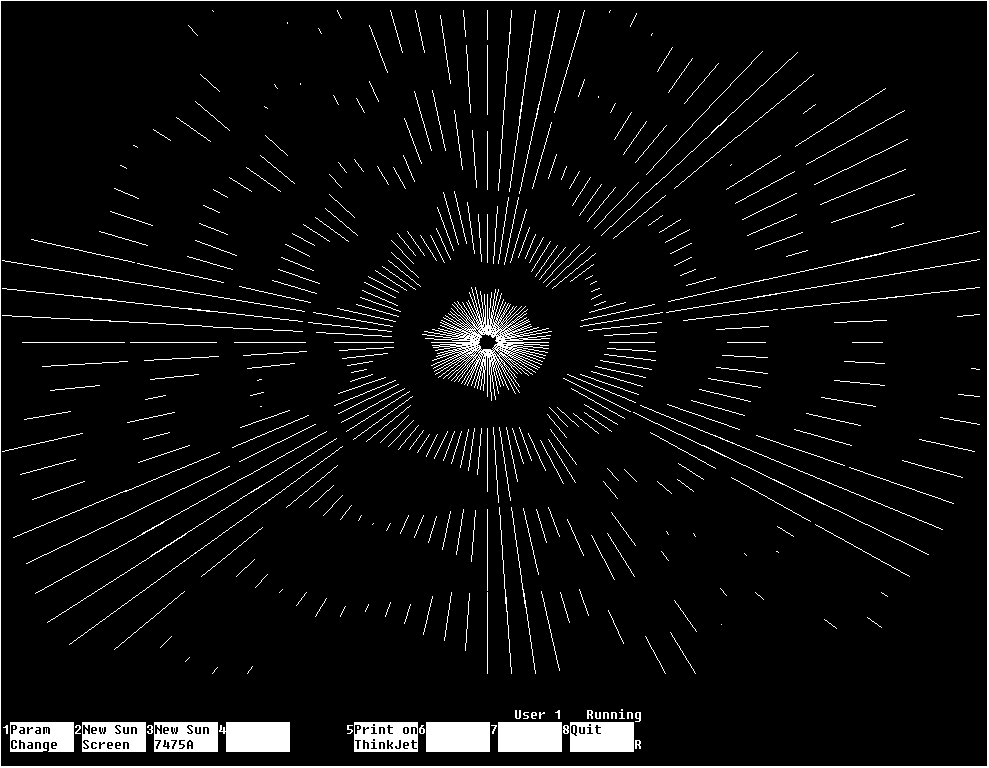
Sunrays-2 Variant 1
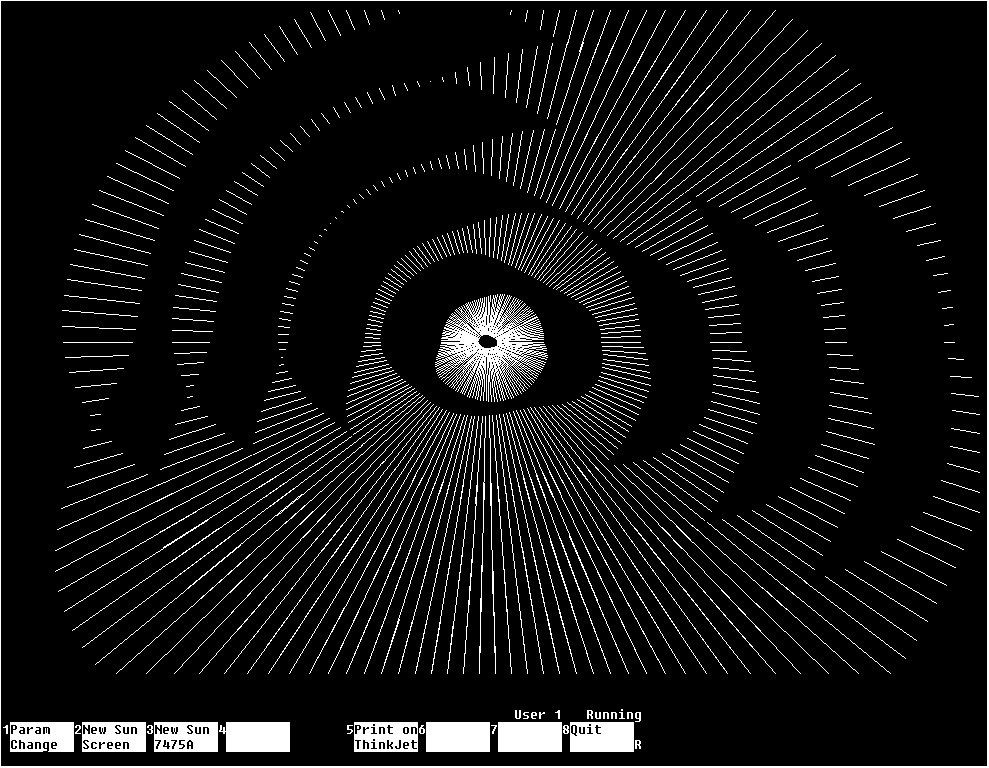
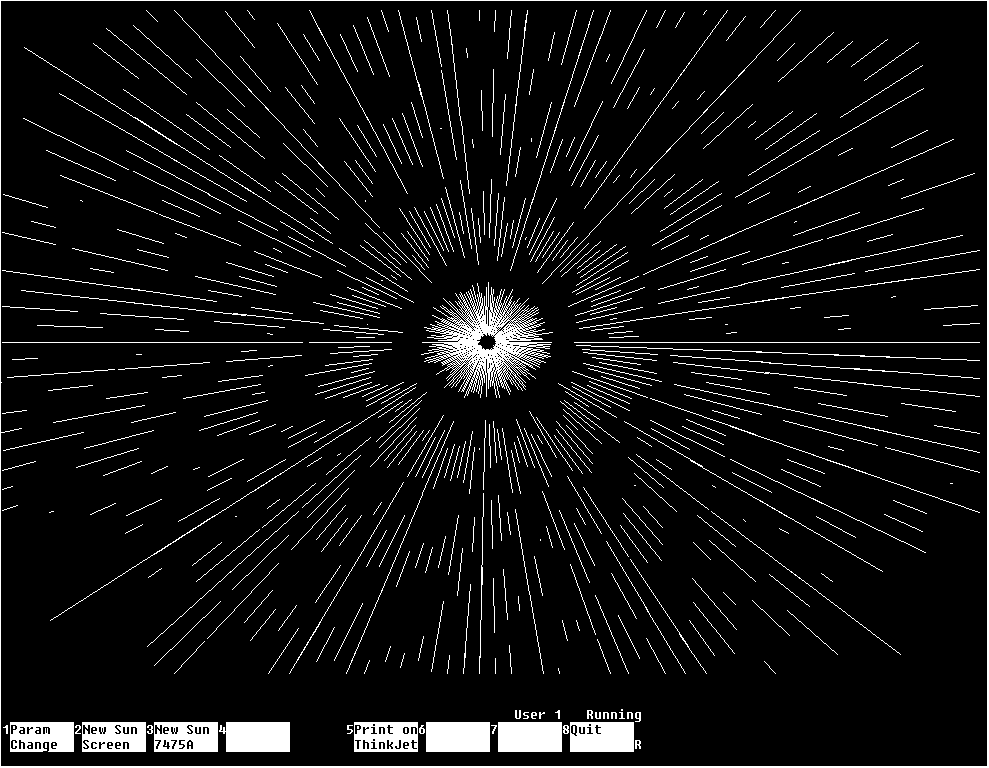
Sunrays-2 Variant 2 (with lower Perlin frequency) and Variant 3 (with higher Perlin frequency)
Drunken Squares
View source code: DRUNKSQRS.ASCII
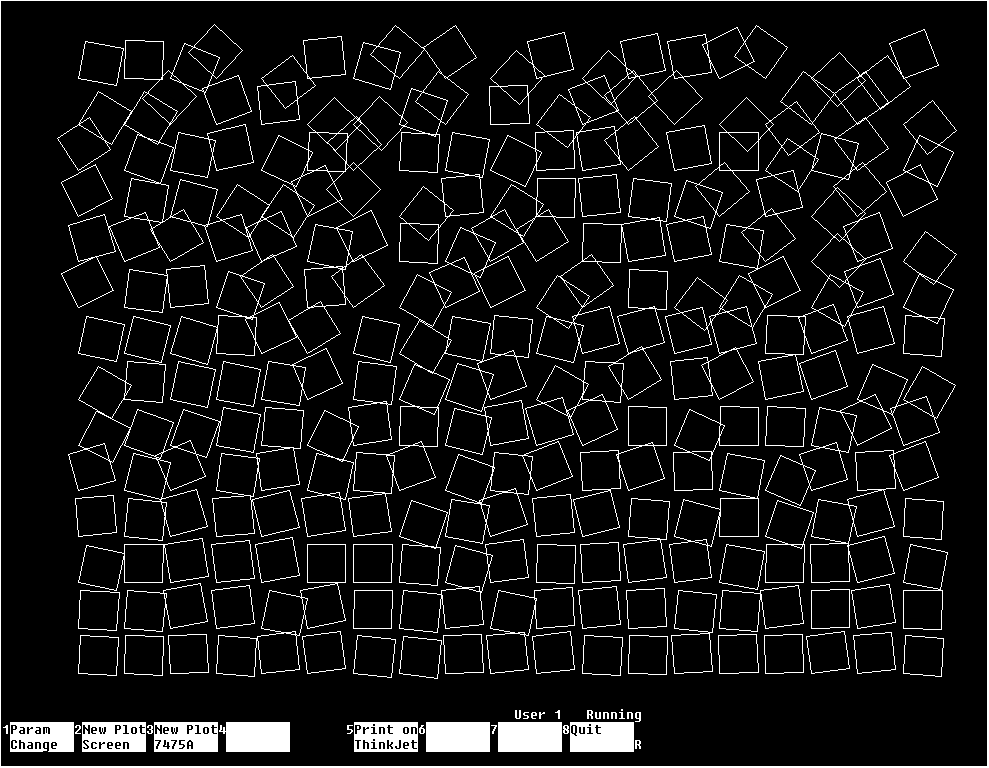
Drunken Squares
Worms-1
View source code: WORMS1.ASCII
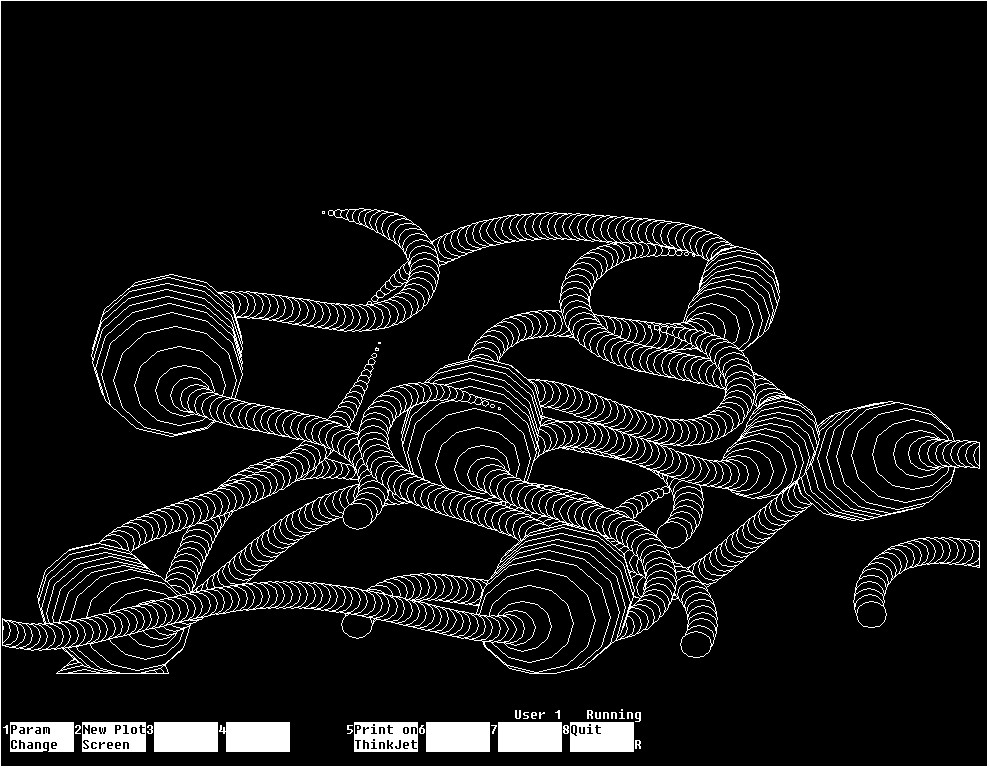
Worms-1 Variant 1
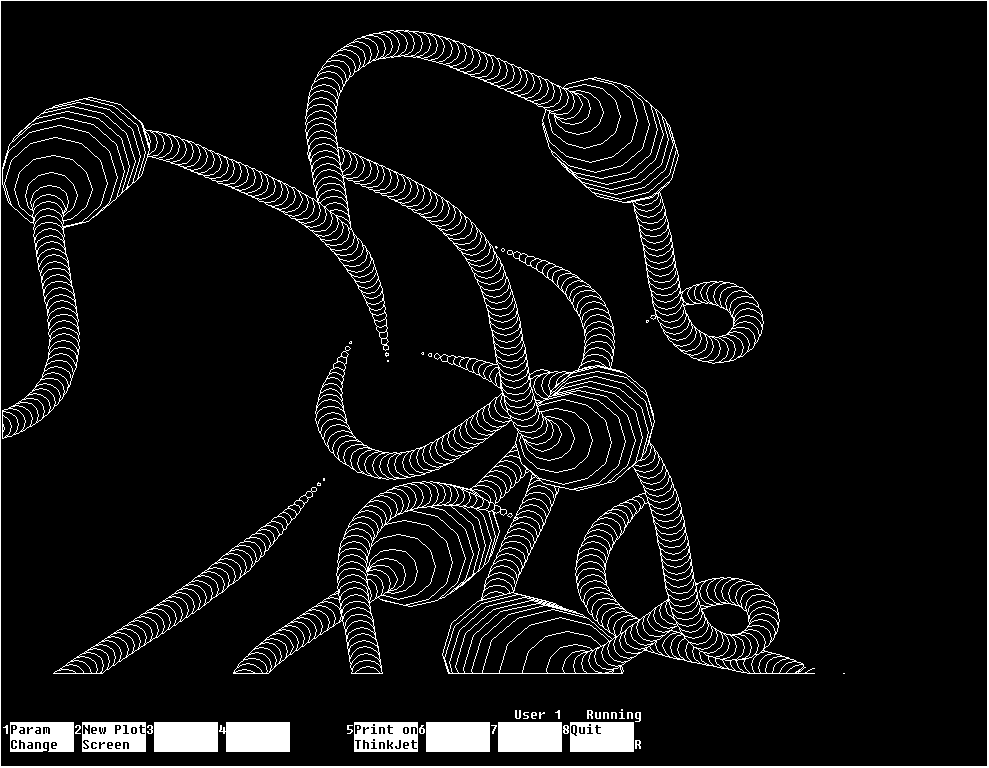
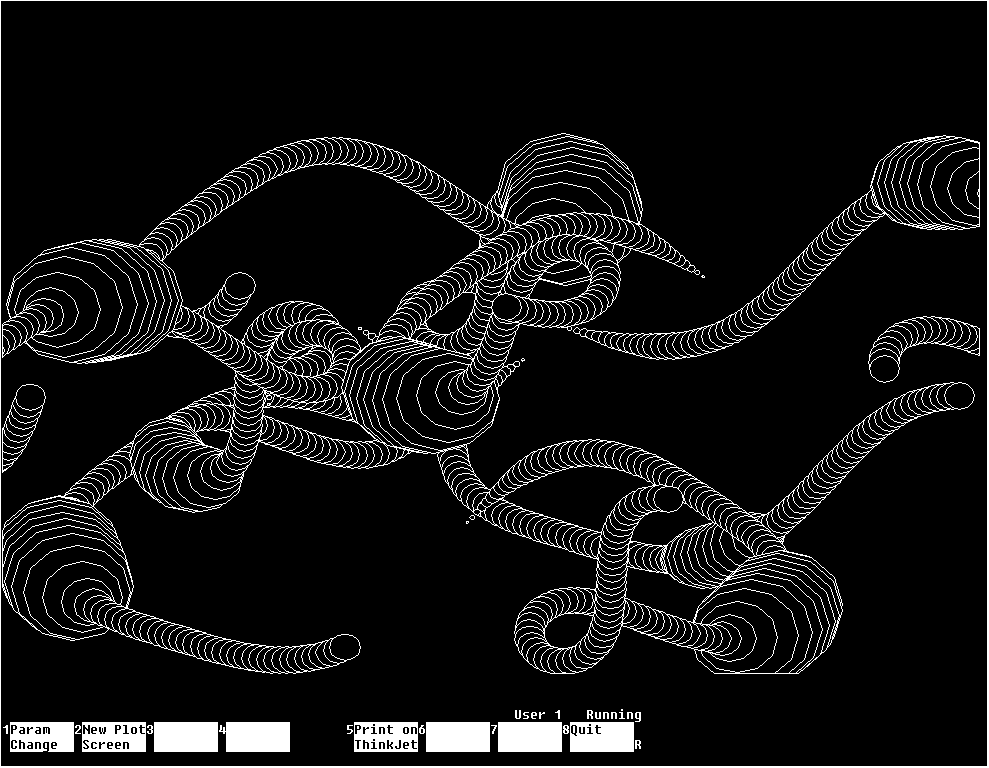
Worms-1 Variant 2 and Variant 3
Worms-2
View source code: WORMS2.ASCII
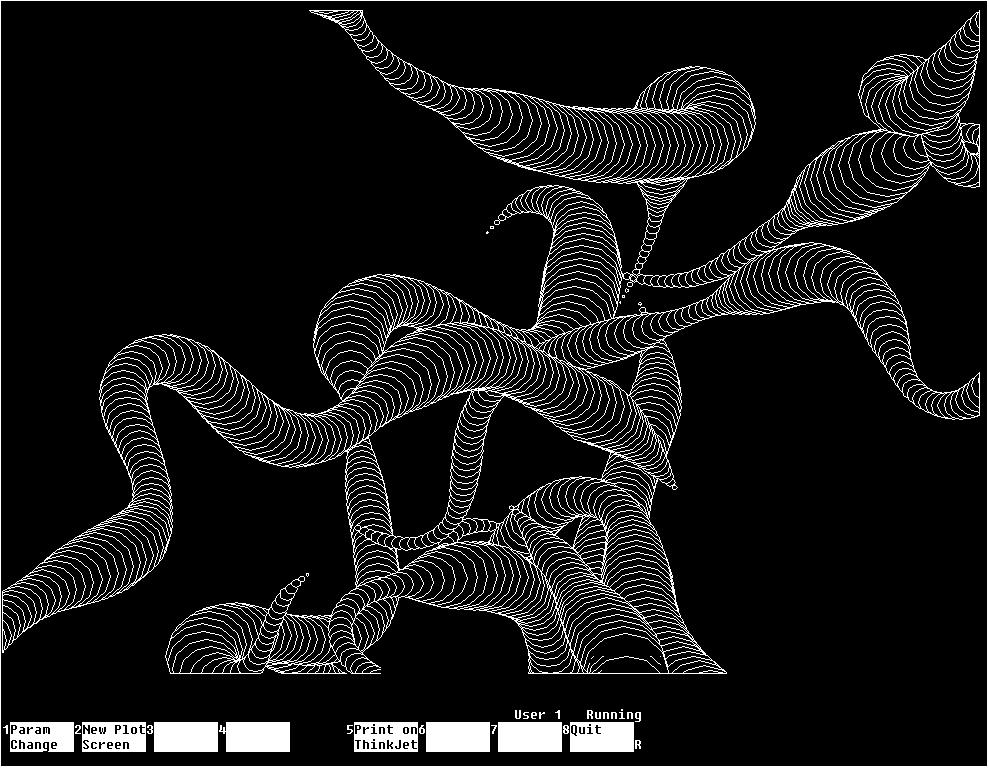
Worms-2 Variant 1
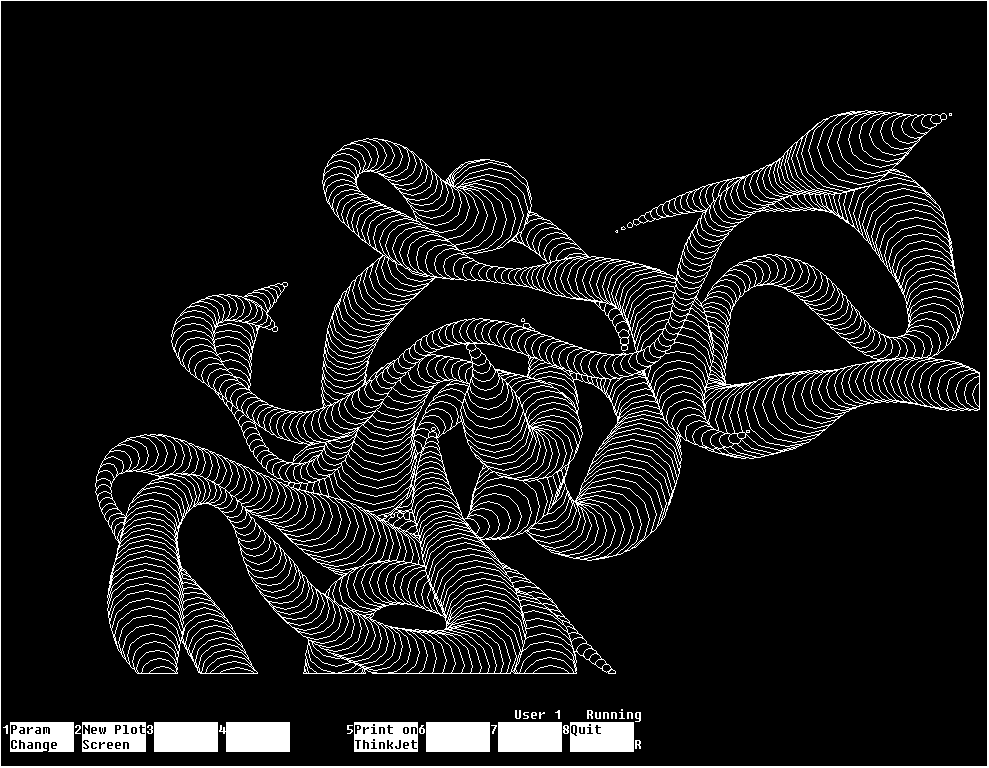
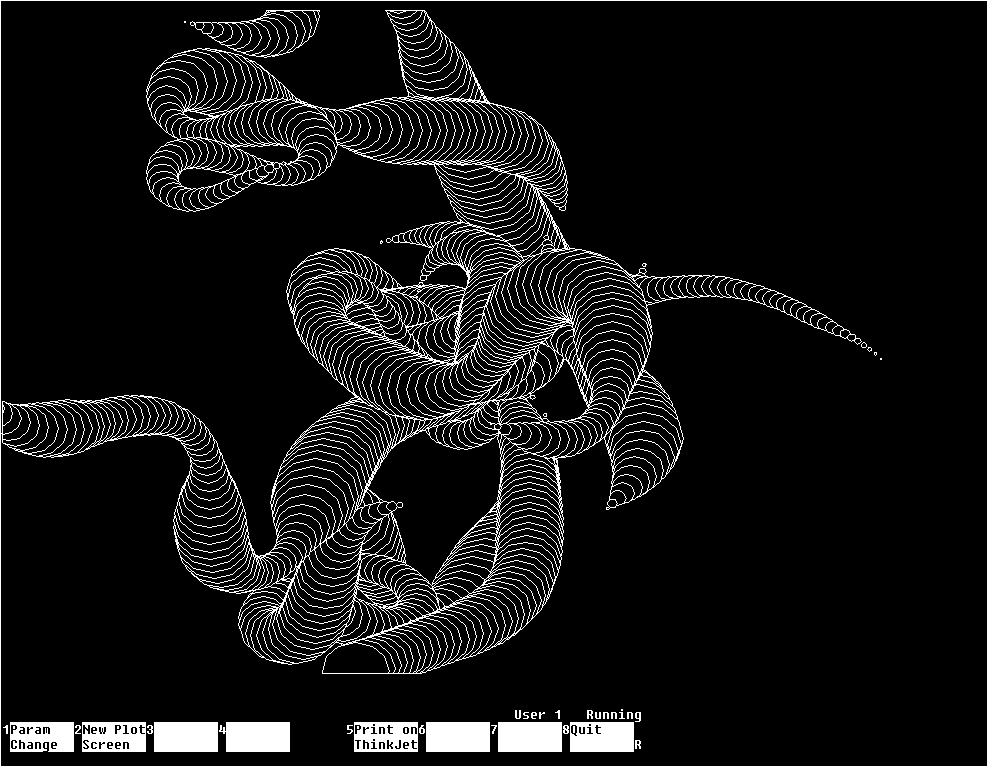
Worms-2 Variant 2 and Variant 3
Solaris
View source code: SOLARIS.ASCII
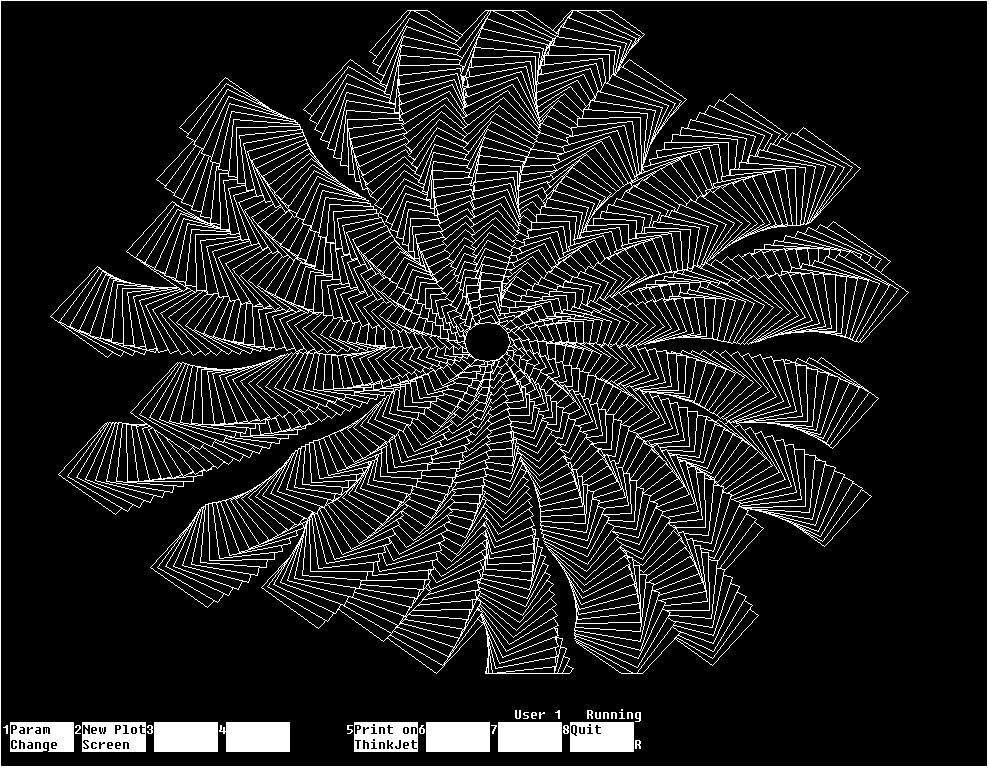
Solaris
Fractal Tree
View source code: FTREE.ASCII
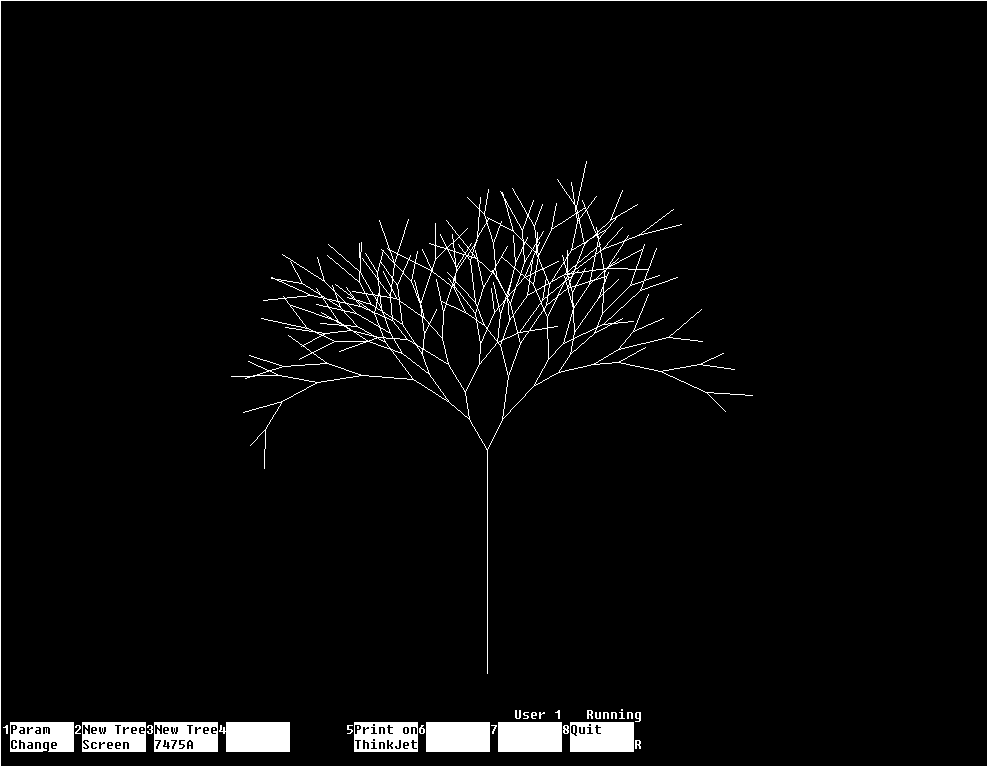
Fractal Tree, Parameters: min. branch depth = 5; max. branch depth = 8
Square Patterns
View source code: SQUAREP.ASCII
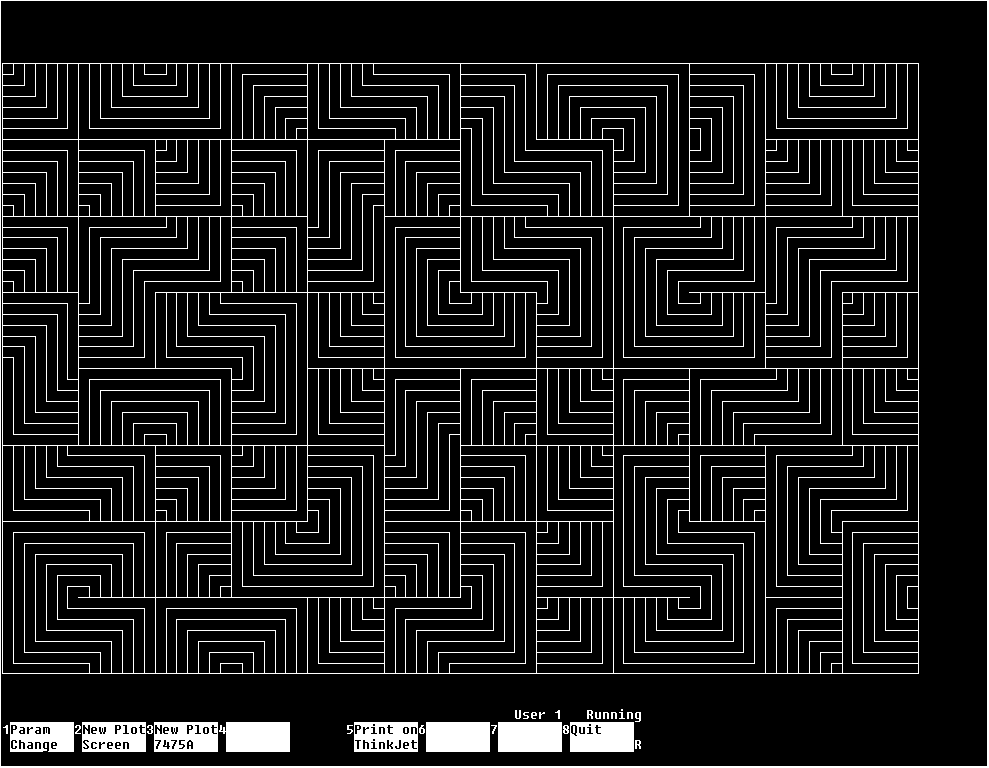
Square Patterns
Welcome at the bottom!